Good screen time vs. bad screen time: what parents and teachers actually need to know in 2026

Good screen time is time on a device that ties to a clear purpose, like practicing a skill, staying calmly engaged, or connecting with family, without displacing sleep, movement, or in-person time. Bad screen time tends to be passive, purposeless, or built to maximize time spent rather than skills learned. In 2026, the American Academy of Pediatrics reframed this distinction around quality and context instead of a strict hour count.
Explore This Guide
This guide is part of a three-page series on screen time in 2026.
If you've felt like the screen time conversation has gotten louder this year, you're not imagining it. States are introducing phone-free school policies. Pediatricians are rewriting their guidance. And somewhere in your group chat, someone has probably shared an article about kids and their devices that left you with more questions than answers.
Here's the good news: the newest guidance actually makes this easier, not harder. In January 2026, the American Academy of Pediatrics moved away from strict hour-by-hour limits and introduced a framework built around quality and context instead. Translation: it's not just about how much time your child spends on a screen. It's about what that time is actually doing for them.
That shift matters for parents trying to make sense of homework apps, learning games, and everything in between. It matters for teachers navigating new district policies on classroom technology. And it matters for curious kids who deserve digital experiences that actually help them grow.
This guide breaks down what "good" and "bad" screen time really mean in 2026, what the research says, and how to tell the difference when you're standing in the middle of it.
What changed: the AAP's new approach to screen time
For years, screen time guidance centered on the clock: two hours a day, no screens before bed, that kind of thing. In January 2026, the AAP moved to a different model, often summarized as the "5 Cs":
- Child – your child's age, temperament, and individual needs
- Content – what they're actually watching, playing, or reading
- Calm – whether screens are helping them regulate or overstimulating them
- Crowding out – whether screen time is displacing sleep, movement, or family time
- Communication – how you talk with your child about what they're doing online
One pediatric researcher involved in the shift put it plainly: the old advice had become nearly impossible for real families to follow. The 5 Cs framework asks a more useful question than "how many hours," and it's one that gives educational tools like homework help and learning games real room to be part of a healthy routine rather than something to ration.
It's worth calling out directly: guidance built around recreational and social media use isn't really aimed at homework on a screen. Time spent in a curriculum-aligned learning game sits in a different category than passive scrolling, and increasingly, the research agrees.
Not all screens are the same category
A useful way to think about it comes from a 2025 report on classroom technology, which separates screen use into three distinct buckets: phones and social media, educational technology, and entertainment. Lumping all three together is where a lot of the confusion (and a lot of the guilt) starts.
One recent survey found something that will sound familiar to a lot of parents: most feel some guilt about their child's screen time, yet nearly half rely on it daily just to get through the day. That gap between guilt and necessity isn't a personal failing. It's a sign that the categories have been blurred for too long.
So here's a simpler starting point:
Screen time that tends to raise concerns:
- Passive scrolling with no clear purpose
- Content designed to maximize time spent rather than skills learned
- Social media use, especially unsupervised
- Anything that consistently crowds out sleep, movement, or in-person connection
Screen time that tends to support growth:
- Practice tied to what a child is already learning in school
- Content a parent or teacher can see into, not a black box
- Activities with a natural stopping point, not an endless scroll
- Experiences that build confidence through trying, not just consuming
The honest tension: when "educational" isn't enough on its own
It's fair to say the word "educational" has been stretched thin. Some of the loudest pushback in 2026 hasn't been about screens in general. It's been about gamified learning apps specifically, with parents describing moments where a mascot or character seemed to take up more space than the actual teacher or lesson underneath it.
That's a fair concern, and it's one worth sitting with rather than waving away. The difference between a game that supports learning and one that just borrows the language of learning usually comes down to a few concrete things:
- Is it tied to what students are actually studying? Standards-aligned practice looks different from generic trivia dressed up as a game.
- Can a parent or teacher see what's happening? Real-time reports and progress insights are very different from a closed loop only the child sees.
- Does it have edges? Built-in time controls and clear stopping points look different from infinite-scroll design.
- Is it built to work alongside teaching, not instead of it? The strongest tools support what's happening in the classroom rather than trying to replace it.
This is the honest version of "good screen time": not a blanket claim that games are automatically fine, but a specific, checkable list that separates the tools worth trusting from the ones worth questioning.
For teachers: what "responsible" ed-tech looks like right now
Several states have introduced legislation this year requiring districts to vet the educational technology used in classrooms. If that's landed on your desk, or you expect it to, a simple internal checklist can save a lot of back-and-forth:
- Does the tool align to your state or district standards?
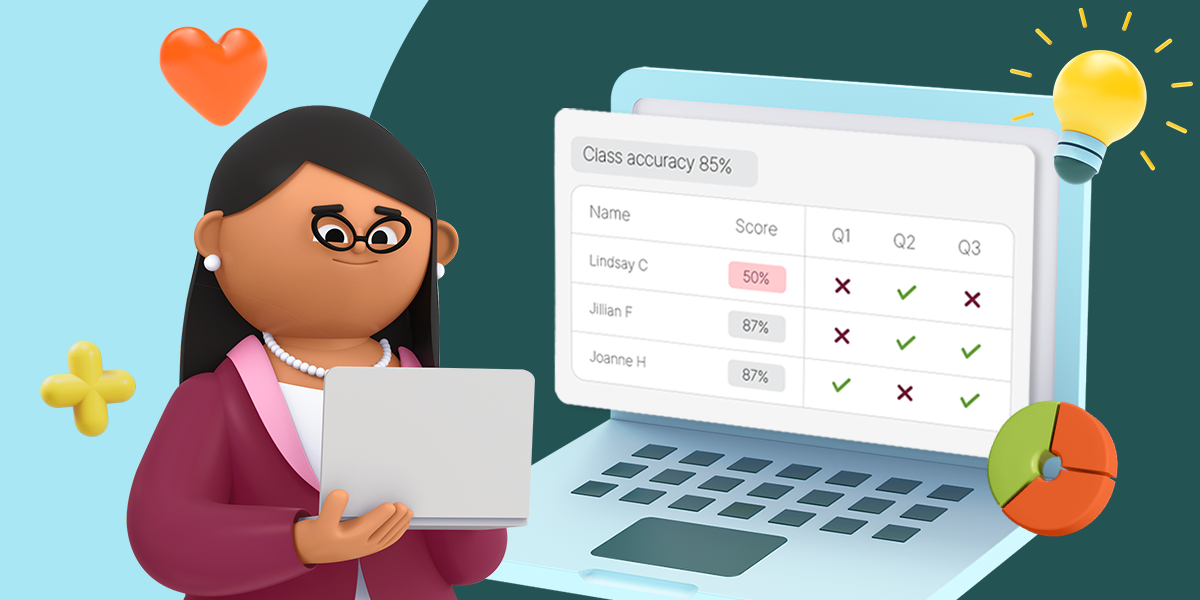
- Does it offer real-time, teacher-facing data rather than a mystery box?
- Can it flex around small groups, whole-class instruction, or independent practice?
- Does it have documented safety and privacy certifications?
- Is there a clear, published research or efficacy page you can point to if a parent or administrator asks?
Prodigy Math is built with this kind of scrutiny in mind. It's earned a Top Pick for Learning recognition from Common Sense Education, holds Digital Promise certifications for research-based design and learner variability, and meets ESSA Tier 3 evidence standards. On the privacy and safety side, it carries the Safe for Child seal and iKeepSafe's COPPA, FERPA, and CPSC badges. None of that replaces your judgment as an educator, but it does mean the groundwork has already been done.
Consistent classroom use has also been shown to help students strengthen foundational math understanding and confidence over the course of a school year.* And when teachers bring Prodigy into regular instruction, student performance has improved across key math standards.*
For parents: giving yourself permission to say "this one's fine"
If you've felt caught between "limit all screens" advice and a kid who genuinely lights up over a learning game, you're allowed to hold both of those things. Not all screen time has to be a battle, and not all of it deserves the same side-eye.
Teachers and parents who've used Prodigy describe a similar shift: math practice starts to feel less like a chore and more like something their child actually wants to keep doing.
Amber Gouge, parent: "Prodigy is an engaging way to keep your child interested in learning new math skills and facts."
Stephanie Butler, parent: "As a parent, I have seen that Prodigy can take a struggling math student and turn them into a math star."
Heather E., parent: "My boys love to play Prodigy. It's fun and challenging at the same time. My kindergartner is working at a 1st grade level and is doing great!"
Teachers see it from the classroom side too:
Kimberly Martin, teacher: "Students are more confident because of the extra practice they receive with Prodigy Math Game. My students typically score higher on math benchmarks because I'm able to differentiate instruction using the Prodigy reports!"
Jezer Urena, teacher: "Struggling students love Prodigy. They think they're playing a game, but in reality, they are learning and practicing."
None of this means every learning app is created equal, or that screen time stops being worth thinking about. It means the question worth asking isn't "screens or no screens." It's "what is this particular screen time actually doing for my child?"
Common Questions About Good Screen Time vs. Bad Screen Time
Is educational screen time bad for kids?
Not inherently. Guidance in 2026 draws a real distinction between passive, engagement-driven content and screen time tied to a specific learning goal. Context and content matter more than the device itself.
Is Prodigy just more screen time?
Not all screen time is the same. Prodigy is designed to help students practice math through game-based learning, so digital play can support curiosity and skill-building rather than just filling time. It's built to complement classroom instruction and existing curriculum, not replace it.
Is Prodigy free?
Prodigy offers free tools for teachers and free access for parents exploring the platform, making it easier to bring standards-aligned math practice into the classroom or home.
How do I know if a learning app is actually educational?
Look for standards alignment, visible progress reporting for parents or teachers, built-in time controls, and independent certifications or research pages you can actually read.
The bottom line
The 2026 shift in screen time guidance isn't a loosening of the rules. It's a more useful set of questions. Instead of counting hours, parents and teachers can ask what a screen is actually doing for a child, whether they can see into it, and whether it's built to support real learning rather than just hold attention.
That's the standard worth holding every tool to, including this one.
*Among multiple studies commissioned by Prodigy Education. Individual results may vary, results are not guaranteed. Studies may be viewed here: https://www.prodigygame.com/main-en/research