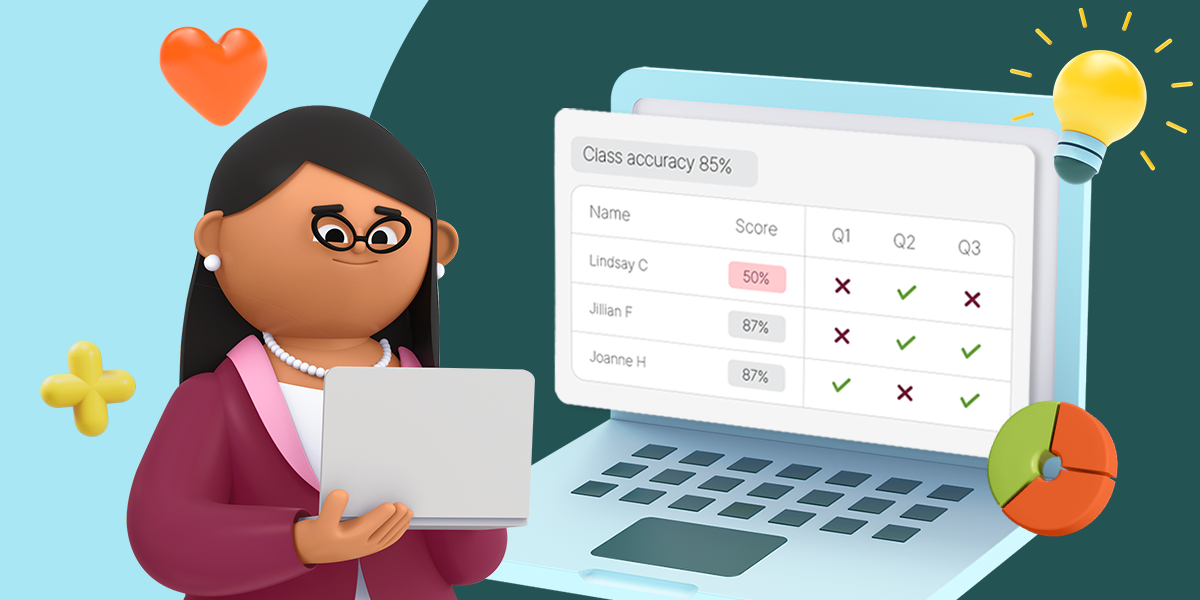
Whole Class Math Games: Prodigy Activities for Every Device Setup
Whole class math games are structured, teacher led activities that get an entire class practicing math together, whether that's a warm up, a review block, a station, or a quick check for understanding. Unlike free play, a whole class game has a purpose: one shared objective, with room for each student to work at their own level. The best ones work with whatever devices are actually in the room that day, not just a full 1:1 cart.
Why Whole Class Routines Need to Flex
District 1 to 1 programs are widespread today, running from 78 percent in kindergarten through 2nd grade up to 90 percent in middle school, up sharply from 2020. But that access is under pressure. Recent industry surveys found over a third of ed tech leaders expect reduced funding to affect these programs, and device refresh cycles are expected to lengthen, which will affect student to device ratios over time. As one report put it, "refresh cycles for new devices would be lengthened and impact student-to-device ratios."
In practice, that means the devices in your room on any given day, a smart board, a half class cart, a device per pair, or full 1:1, are becoming less predictable, not necessarily less available. A whole class routine that only works in one of those setups will let you down eventually. The activities below are organized by device reality, starting with the one no existing Prodigy guide has actually covered: no student devices at all.
No Student Devices: Smart Board Only
Math Facts is a Prodigy game mode built specifically for fluency review, but this Pet Race can easily be completed as a whole class review. From your teacher dashboard, select Math Facts, apply the operation you'd like to cover, then click facts.prodigygame.com and select "Play Pet Races." Broadcast it on your smart board, start the race, and have the class shout out answers before time runs out.
Leveraging your teacher dashboard instead of each student needing to log in individually, it's the natural centerpiece for classrooms facing a device-per-student challenge.
Shared Devices: A Cart Short of the Whole Class
When there are enough devices for most, but not all, of the class, a rotation station keeps everyone working without anyone waiting on a device. Prodigy's own station rotation guidance notes the model suits classrooms with limited technology, since it doesn't require a device for every learner, and a station can be set up in under five minutes.
Set one station as an Assignment tied to the skill your other stations are reinforcing, so every student eventually rotates through the same targeted practice, just not all at once. Use the Curriculum Coverage report afterward to see how the group did as a whole and where individual students may need a follow up.
One Device Per Pair
Paired devices are a reasonable middle ground for a Quick Quiz session: two students share a login and work through the race together, talking through each question before answering. This turns Quick Quiz from an individual sprint into a small collaborative check, while still giving you the same real time comprehension data at the end. It's a natural fit for classrooms building toward more device access, not yet at full 1:1.
Full 1:1: The Whole Class Quick Quiz Session
With a device per student, a Quick Quiz session works as designed: pick up to six skills tied to what the class just learned, start the game once everyone is logged in, and let students race through questions against their classmates. It works well as a bell ringer, an exit ticket, or a five to ten minute review block before a test.
Assignments can also be scoped to the whole class or to individual students from the same dashboard, so a full 1:1 setup gives you the most flexibility: one Assignment for the whole class today, individual follow up assignments for specific students tomorrow, based on what the Quick Quiz or Assignment report shows.
Why Teachers Bring Prodigy Into Whole Class Instruction
When teachers integrate Prodigy into classroom instruction, student performance improves across key math standards.*
More Ways to Bring Prodigy Into Your Classroom
For a wider look at everything in your teacher dashboard, from the Placement Test to reports, see the teacher's guide to Prodigy. For engagement and reward ideas beyond structured whole class routines, see ways to engage and reward students with Prodigy.
Common Questions About Whole Class Math Games
Do I need a device for every student to run a whole class Prodigy activity?
No. The activities above are organized so there's a starting point whether you have no student devices, a partial cart, paired devices, or full 1:1.
What is Math Facts?
Prodigy Math Facts turns traditional drills into fun pet races. Students complete three 20 question sessions racing to the finish line, unlocking rewards and building their pet collection while mastering math facts along the way.
What is Quick Quiz?
Quick Quiz is a Prodigy game mode built for whole class review. Teachers pick up to six skills from the Assignments tab, and students race to answer questions correctly once the class is logged in, with results available to the teacher right away.
Can I use Quick Quiz as a bell ringer or exit ticket?
Yes. A short Quick Quiz session works well at the start or end of class, since it's built around the skills you choose rather than open ended play.
How is this different from a station rotation activity?
A station rotation is built for classrooms without enough devices for everyone at once, rotating small groups through a Prodigy station alongside other activities. A whole class Quick Quiz session assumes every student, or every pair, can log in at the same time.
*Among multiple studies commissioned by Prodigy Education. Individual results may vary, results are not guaranteed. Studies may be viewed here: https://www.prodigygame.com/main-en/research